

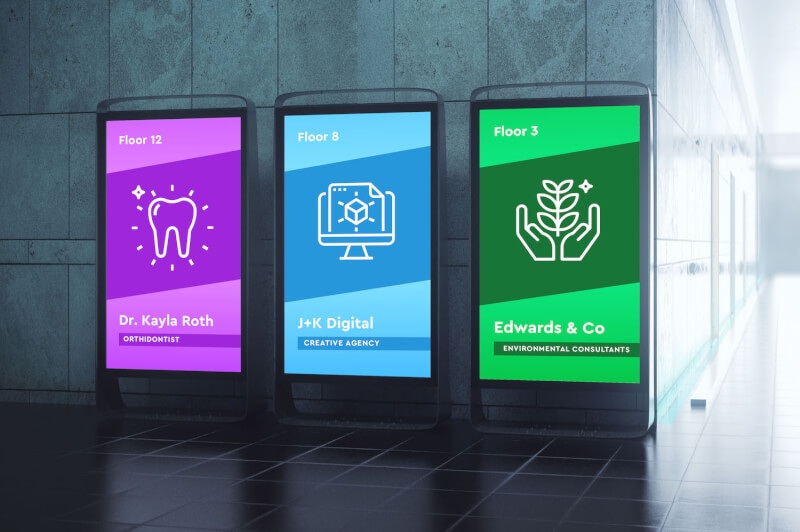
A business may start with a few screens and simple announcements, but its communication needs can expand quickly. More locations, frequent promotions, and different audiences require software that keeps screen management organized. The features behind the platform therefore matter as much as the displays themselves.
Retail stores, restaurants, offices, schools, and other organizations use screens for different purposes. A suitable platform should support those daily requirements without making routine updates complicated. The six features below can help businesses identify what to prioritize when comparing signage options.
1. Centralized Management
Managing displays individually can become inefficient once a business adds more screens or locations. Digital signage solutions with centralized management allow authorized staff to oversee connected displays through one management portal. Teams can update material remotely and maintain greater control over what appears across the network.
Screen Groups Help Direct Content to the Right Locations
Screen grouping adds another level of control for businesses with different audiences. A retailer could group displays by store, while a company could separate lobby screens from employee communication displays. Staff can then assign suitable material to the intended group without changing every screen separately.
2. Scheduling Tools
Promotions, menus, announcements, and event notices do not always need to appear throughout the entire day. Scheduling tools allow teams to decide when particular material starts and stops, which makes planning easier.
A restaurant could schedule breakfast and lunch menus for their respective service periods. Retail staff could prepare a holiday promotion before its launch date, while an office could arrange reminders for an upcoming company event. Scheduled publishing helps the screen match the organization’s actual calendar.
3. Media Support and Integrations
Businesses usually have information stored across several file types and applications. A capable platform should support common media formats and useful integrations so teams can bring those resources onto their screens.
Important capabilities may include:
- Images and videos for promotions, announcements, and visual messages
- PDFs and presentations for existing company materials
- Playlists that place several assets into an organized rotation
- Business dashboards that present metrics and operational data
- App integrations for calendars, weather, social feeds, and other information
Broad support gives organizations more options for creating displays suited to different communication goals.
4. Screen Zones
Some locations need to communicate more than one type of information at the same time. Screen zones divide a display into designated sections, allowing separate pieces of material to share the available space.
A workplace display, for example, could place an important announcement beside a calendar and business dashboard. Support for portrait and landscape orientation also helps teams adapt layouts to different screen positions. These layout features make digital signage solutions more practical for businesses that need to present several information sources clearly.
5. Multi-User Permissions
A growing screen network may involve marketing staff, administrators, local managers, and other contributors. Giving every person the same level of access may not suit the way those teams work. Multi-user permissions allow organizations to assign access according to individual responsibilities.
A central marketing department might manage company-wide promotions while branch managers handle material intended for their own locations. Defined permissions create a more structured workflow and give each contributor access to the areas relevant to their role.
6. Offline Playback
Internet connectivity may occasionally vary across business locations, but previously prepared material can remain important. Offline playback allows downloaded assets to continue playing on supported devices when an internet connection becomes unavailable.
Check How Content Behaves Without a Connection
Businesses should consider what happens to scheduled material when connectivity drops. A platform with offline capability can keep downloaded content available on the screen until the connection returns. This feature can be especially useful for organizations that depend on displays throughout their operating hours.
The right signage platform should solve practical communication needs rather than simply provide a long feature list. Businesses should consider how staff will control displays, schedule messages, organize access, present information, and maintain playback across their locations. A platform that fits those everyday requirements can support a well-organized screen network as communication needs expand.