

Checking your bank balance over coffee or making a quick transfer while traveling has become part of everyday life. With mobile banking apps and digital wallets, managing money no longer requires a visit to a bank.
But the convenience of banking anywhere also raises an important question: how safe is it to access your financial accounts on public Wi-Fi?
Most modern banking services use encryption to protect sensitive information, even when you’re connected to a shared network. Still, public Wi-Fi comes with risks worth understanding, particularly when you don’t know who operates the network.
A few simple habits can help you manage your money more securely without giving up the convenience of mobile banking.
Is It Safe to Use Online Banking on Public Wi-Fi?
Online banking on public Wi-Fi isn’t automatically unsafe. Reputable banking apps and websites use encrypted connections to protect information such as passwords and transaction details.
For example, when you open your bank’s official app, the connection between your phone and the bank’s servers is typically protected by encryption. Someone using the same Wi-Fi network generally cannot read your banking information simply because they’re connected to it.
However, encryption doesn’t eliminate every risk.
Some public networks may be poorly configured, while others could be set up by attackers to imitate legitimate hotspots. You might also encounter fake login pages designed to collect account credentials.
Imagine sitting in an airport lounge and seeing two available networks: “Airport Free WiFi” and “Airport Guest WiFi.” Without checking which one is official, it’s easy to connect to the wrong network.
The bigger concern may not be someone directly reading your encrypted banking traffic. It could be a fraudulent website, a misleading network login page, or a message that tricks you into sharing sensitive information.
That’s why safe online banking involves more than choosing a Wi-Fi connection.
7 Ways to Keep Your Online Banking Secure on Public Wi-Fi
You don’t need advanced technical knowledge to improve your online banking security. Most of the following precautions take only a few minutes to set up and can become part of your daily routine.
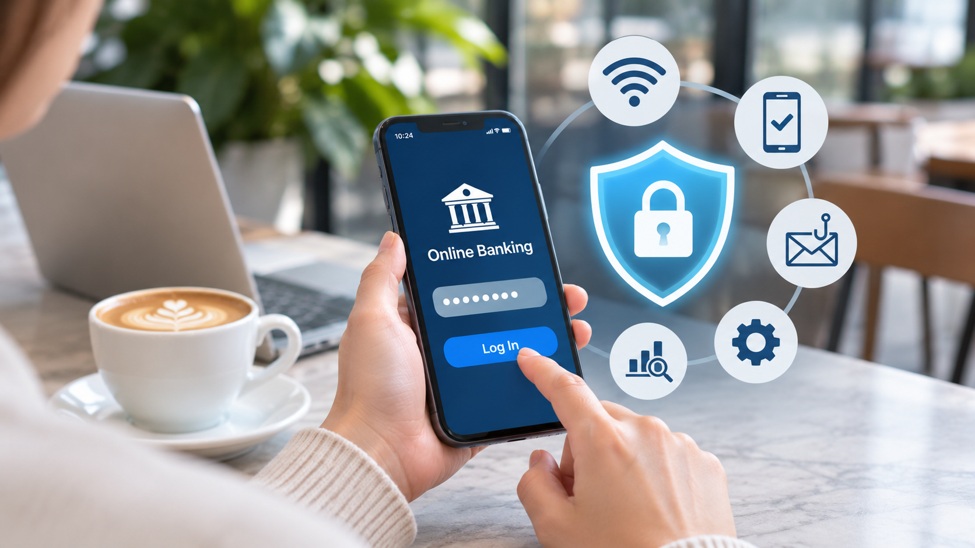
1. Verify the Wi-Fi Network Before Connecting
Not every network with a familiar name belongs to the business you’re visiting.
A café, hotel, or shopping centre might offer free internet access, but someone nearby could create a hotspot with a similar name.
Before connecting, ask the staff for the official network name. If the business displays its Wi-Fi details at the counter or reception desk, check that the information matches what appears on your phone.
Be cautious if a network asks you to install an unfamiliar application or enter your banking credentials to gain internet access.
You can also disable automatic connections to unknown or previously used public networks. This reduces the chance of your device joining a network you didn’t intend to use.
2. Use Your Bank’s Official App or Website
When you need to check an account or make a payment, open your bank’s official mobile app rather than following a link from a message.
Banking apps are generally designed to communicate securely with the bank’s systems. They also often include features such as biometric login, transaction notifications, and additional verification for sensitive actions.
If you prefer using a browser, enter the bank’s address yourself or use a trusted bookmark.
Check the domain carefully before entering your details. A fraudulent website may use an address that looks almost identical to the real one, with just one letter or character changed.
You should also check that the website uses HTTPS. This helps protect information transmitted between your browser and the website, although HTTPS alone doesn’t prove that a website is legitimate.
3. Choose a More Private Internet Connection
Your choice of connection also matters when handling financial information.
If you’re about to make an important bank transfer, using your phone’s mobile data is often a straightforward alternative to unfamiliar public Wi-Fi.
Mobile networks remove the need to trust a local public hotspot, although the banking service’s own security measures remain essential.
When mobile data isn’t available or you need to use shared Wi-Fi, X-VPN’s free version is one option for adding another layer of privacy by encrypting internet traffic between your device and the VPN server.
This makes it more difficult for someone monitoring the local network to observe your traffic or identify the online services you’re contacting.
However, a VPN doesn’t replace the encryption already used by banking apps and HTTPS websites. It also won’t prevent you from entering your password on a fake banking page.
Since your traffic passes through the VPN provider’s servers, choose a service with clear privacy practices. If your banking app flags a VPN connection or requests additional verification, follow the bank’s security guidance.
The aim is to make your connection more private while continuing to use safe banking practices.
4. Enable Multi-Factor Authentication
A strong password is important, but it shouldn’t be the only thing protecting your bank account.
Multi-factor authentication (MFA) adds another verification step when you sign in or approve certain transactions.
Depending on your bank, this might involve a confirmation through its mobile app, a one-time code, or biometric authentication.
If someone obtains your password through a phishing attempt, additional verification can make unauthorized access more difficult.
Some banking apps also allow you to approve transactions directly on a registered device. This can help you review payment details before money leaves your account.
Never approve a login request or transaction that you didn’t initiate.
If you receive an unexpected authentication prompt, reject it and check your account through the bank’s official app.
5. Watch Out for Banking Scams and Phishing Messages
Many online banking threats begin with a convincing message rather than a technical attack on your internet connection.
You might receive a text claiming that your account has been temporarily locked or that a suspicious transfer requires immediate confirmation.
The message could include a link to a fake banking website where you’re asked to enter your username, password, or verification code.
These attempts often create a sense of urgency.
For example, a message might warn that your account will be suspended within an hour unless you verify your identity.
Instead of following the link, open your banking app directly and check whether there’s a genuine alert.
Be equally cautious with phone calls. Someone claiming to represent your bank may ask you to share a one-time password or approve a transaction.
Legitimate security procedures shouldn’t require you to disclose confidential authentication codes to an unexpected caller.
When something feels unusual, contact the bank using the number listed on its official website or inside its app.
6. Keep Your Phone and Banking Apps Updated
Software updates aren’t always exciting, but they play an important role in keeping financial information secure.
Operating system updates often include fixes for vulnerabilities that could otherwise be exploited.
Banking app updates may also improve authentication, address security issues, or introduce additional fraud prevention measures.
Enable automatic updates where practical, especially for your operating system and banking applications.
It’s also worth reviewing which apps are installed on your phone.
Remove applications you no longer use, particularly those downloaded from unfamiliar sources. Avoid installing modified banking apps or software that promises features unavailable in the official version.
Finally, protect your device with a strong screen lock and enable biometric authentication where available.
These measures become particularly useful if your phone is lost or stolen.
7. Monitor Your Account Activity Regularly
Even with good security habits, reviewing your transactions remains important.
Most banking apps allow you to receive notifications when money enters or leaves your account. Some also provide alerts for new devices, large transfers, or changes to account settings.
Enable the notifications that are most useful to you.
For instance, if you’re traveling and receive an alert about a payment you don’t recognize, you can investigate it immediately rather than discovering it several days later.
Check your transaction history regularly and pay attention to unfamiliar merchants or unexpected transfers, even when the amounts are small.
If your bank offers tools for setting transaction limits or temporarily freezing a card, learn how to access them before you need them.
These features can help you respond more quickly when something goes wrong.
What Should You Do If You Suspect Your Banking Account Is at Risk?
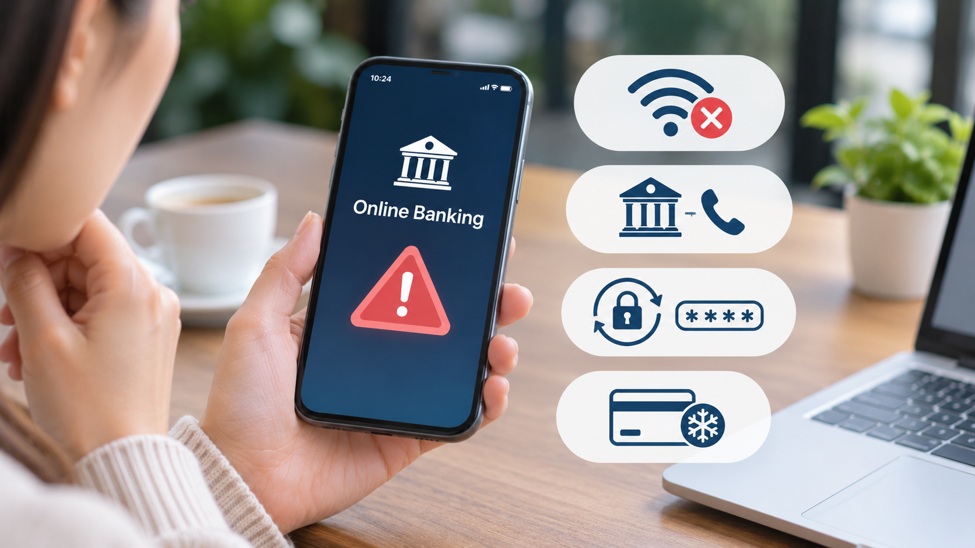
Suppose you’ve just used public Wi-Fi and realize that the banking page you visited may have been fraudulent.
Your next steps depend on what happened.
If you only connected to an unfamiliar network but didn’t enter any sensitive information, disconnect from it and switch to a trusted connection. Check your device for unexpected downloads or changes.
If you entered your banking password on a suspicious website, contact your bank through its official channels immediately. Change your credentials using a trusted device and connection, and review any recent account activity.
If you’ve approved an unfamiliar transaction or shared a verification code, treat the situation as urgent.
Contact your bank’s fraud support team and follow its instructions for securing your account. The bank may recommend freezing access, blocking a card, or taking other protective steps.
Avoid relying on phone numbers or links provided in the suspicious message itself.
The sooner you report a possible compromise, the sooner the bank can assess the situation and advise you on the available options.
Building Safer Online Banking Habits
Public Wi-Fi is convenient, and there will be times when using it makes sense. The important thing is knowing which precautions matter.
Start by verifying the network, using official banking apps, and keeping your phone updated. Add strong authentication and transaction alerts so you have more control over your account.
For sensitive financial activities, a trusted mobile connection or an additional layer of network encryption can offer more privacy.
Just as importantly, stay alert to suspicious messages and unexpected login requests. Many financial scams rely on convincing people to make a mistake, even when their internet connection is encrypted.
Online banking security doesn’t depend on a single tool. It comes from several practical habits working together, allowing you to manage your finances with greater confidence wherever you are.