

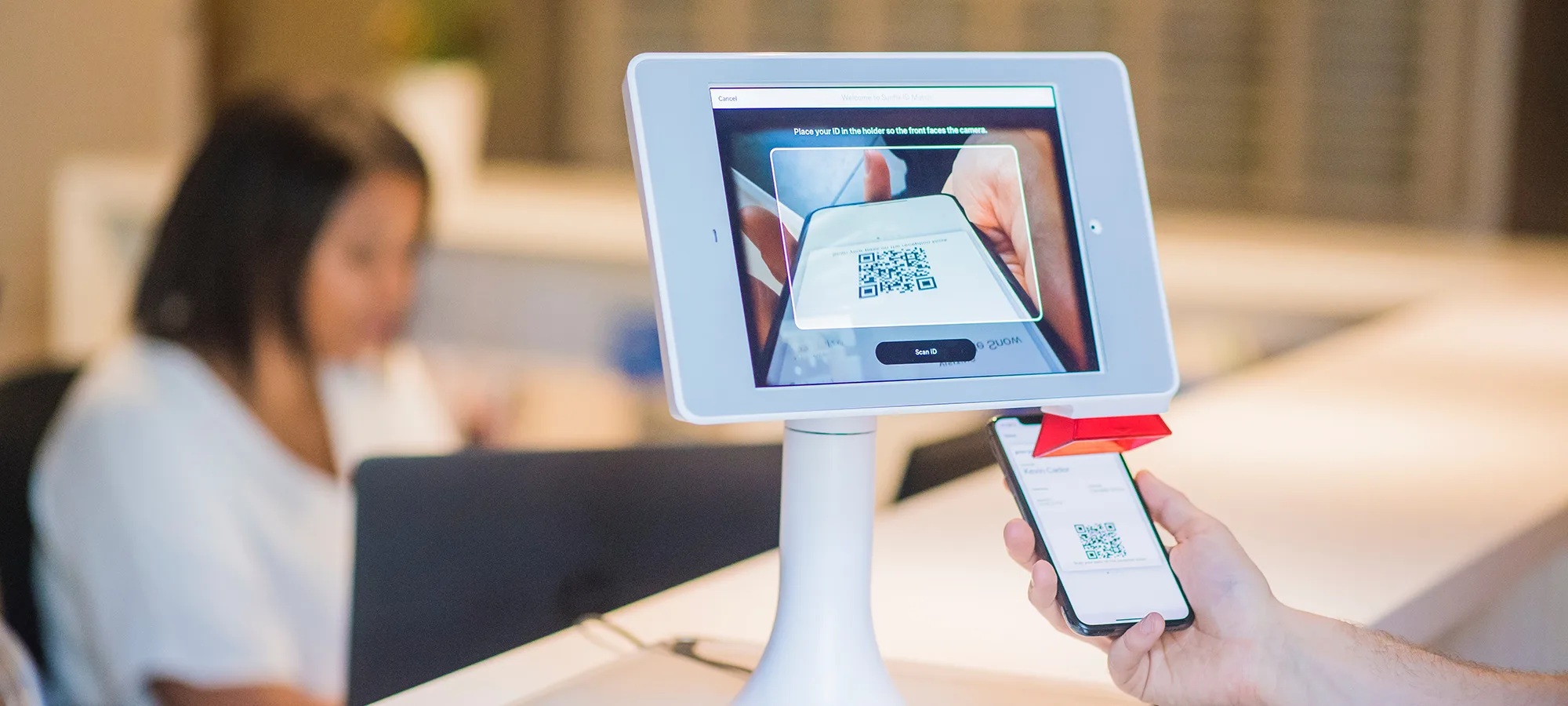
You’ve been there. A queue forms at the front desk. Your receptionist flips through paper sign-in sheets while visitors wait. It’s frustrating, slow, and completely avoidable. The best visitor management software turns that chaos into a process that takes seconds – not minutes.
This isn’t just about convenience. It’s about reclaiming real time across your whole organization. A proper visitor management system cuts admin work, gives your team better data, and makes every guest feel like they’re walking into a well-run operation.
What You’ll Need Before Setup
Don’t skip this part. Reliable internet in your reception area is non-negotiable. You’ll also need at least one tablet for visitor check-in. Have admin credentials ready for any platforms you’re connecting – Teams, Slack, Google Calendar – and gather your company’s branding assets before you begin.
Identify which team members will manage the visitor management system. Have their contact details ready for host notifications. Know your visitor policies before you configure anything. Compliance rules vary by industry, and it’s easier to build them in from the start than add them later.
Step 1: Design a Check-In Flow People Actually Want to Use
The best visitor management systems cut check-in time by up to 50%. That only happens when the interface is genuinely simple – not just labeled “simple.” Strip the form down to what matters: visitor name, company, host name, and purpose of visit. That’s it.
Add your logo, set your brand colors, and write a welcome message that doesn’t sound like a legal notice. Then walk through the entire visitor check-in process yourself on the tablet. Can you finish in under 30 seconds? If not, remove a field.
Your front desk staff shouldn’t need to coach visitors through check-in. If they do, the interface needs work. A clean visitor experience starts here – before anyone says a word.
Step 2: Automate the Repetitive Stuff
The moment a visitor checks in, your visitor management software should do the heavy lifting. Set up instant host notifications through email, Slack, or Teams. These alerts fire within seconds of arrival, so your front desk team won’t need to make phone calls to track down hosts.
If your visitor management system supports badge printing, configure it now. Pre-built templates with the visitor’s name, photo, host, and visit date mean professional badges print automatically – no staff involvement needed. Archie, widely considered the best visitor management software for automation, handles visitor registration through QR code pre-registration and automated compliance document signing.
Set up recurring profiles for contractors and frequent guests. They check in faster on return visits because their data is already there. Add automatic check-out reminders so your occupancy records stay accurate without anyone chasing people down.
- Instant host notifications: alerts via preferred channel within seconds of arrival
- Automated badge printing: visitor badges generated without staff involvement
- Pre-registration links: visitors complete the check-in process before they arrive
- Recurring visitor profiles: frequent guests check in with a single tap
- Automatic check-out: system prompts visitors to sign out, keeping records clean
Step 3: Let the Data Work for You
Open your visitor management software’s analytics dashboard and look at the past month. When do visits peak? What types of visitors show up most? How long do visits actually last?
These patterns help you make smarter staffing decisions. You can schedule more front desk coverage on busy days and scale back when traffic is light. That’s real cost savings from data you already have.
Many visitor management systems now offer predictive features tied to calendar integrations. If the system spots a high volume of meetings on next Tuesday, it can send alerts so you can prepare – extra staff, more resources, whatever the situation needs. Set up weekly automated reports for stakeholders. No manual data pulls, no spreadsheets. Just clean summaries of visitor activity delivered on schedule.
Step 4: Build Compliance and Security Into the Flow
For regulated industries – healthcare, finance, legal – visitor screening isn’t optional. Your visitor management system should show NDAs, safety policies, or confidentiality agreements during check-in. It collects digital signatures with timestamps, giving you an audit trail without a single paper form.
Turn on visitor screening to automatically check names against custom watchlists or third-party security databases. The visitor management software flags concerns before access is granted – not after. Set up evacuation reporting so you have a real-time list of everyone on-site. In an emergency, that list triggers alerts to the right teams and gives responders accurate headcount data right away.
- Upload compliance documents – NDAs, safety policies – that visitors sign digitally during check-in
- Enable visitor screening against security databases or internal watchlists
- Activate evacuation reporting for real-time on-site visitor lists
- Set up multi-location tracking if you manage more than one building
- Connect to access control hardware for automated entry based on check-in status
Linking your visitor management system to your desk booking system adds another layer. It confirms that the host a visitor is meeting is actually in the building that day – not working remotely.
Step 5: Connect It to the Tools Your Team Already Uses
A visitor management system that sits alone doesn’t deliver its full value. Start with calendar integration – link to Outlook or Google Calendar so the system knows who’s expecting visitors and when. At the visitor kiosk, guests type their name and the system finds their host automatically. No guessing, no front desk involvement.
Set up SSO through Microsoft Entra ID or Okta. Employees manage visitor settings with their regular credentials – no extra passwords to forget. Route visitor notifications into Slack or Teams, wherever your team actually pays attention. Connect to your company directory so the visitor management software can confirm hosts without manual data entry.
For organizations using access control hardware, API connections can trigger door unlocks or elevator access the moment check-in is complete. A well-placed visitor kiosk in your lobby, tied into all these systems, becomes the central hub for a smooth visitor experience. It’s not a standalone tool anymore – it’s part of how your workplace runs.
Pro Tips for Getting More Out of the System
Send pre-registration links before appointments. Visitors complete most of the check-in process from their phone, so lobby time drops to seconds. Set up automatic deletion of visitor data after a set period – this keeps you compliant with privacy rules without any manual cleanup.
Don’t add custom fields unless they directly support a workflow or compliance need. Every extra field creates friction. Set up post-visit surveys that go out automatically – you get feedback on the visitor experience without your front desk team doing anything.
For recurring visits like weekly contractor check-ins, create visitor groups. One action invites everyone instead of sending individual links. Use quiet hours in your visitor management software so notifications don’t fire at midnight. Give hosts the mobile app – they can approve or decline visitor access remotely, even when away from their desk.
Review your analytics monthly. Adjust based on what’s actually happening, not what you assumed when you first set things up.
Mistakes That Undercut the Whole System
Asking visitors to create accounts for a single visit is a fast way to kill adoption. Leaving paper sign-in sheets at the front desk “as backup” causes the same problem. It signals that the visitor management software isn’t trusted, and staff will default to what they know.
Don’t skip training. Many organizations assume the visitor management system is self-explanatory and never show front desk staff how to troubleshoot. Spend an hour walking them through common issues. It saves you far more time later.
Sending host notifications to email addresses nobody checks is another common failure point. Make sure alerts reach people through the channels they actually monitor. Also, set up the visitor kiosk for accessibility – larger text options, assistance buttons – before you go live, not after a visitor complaint comes in.
When you get these details right, your visitor management system stops being a check-in tool and starts being a real productivity engine. Your front desk team gets time back. Your organization sees who’s on-site at any moment. And every visitor leaves with a better impression of how you run things – which matters more than most people realize.