


Mid-market SEO teams still run keyword research by hand more often than they’d admit: export volumes from one tool, paste them into a spreadsheet, reconcile against a second because the first looked off, then repeat every content sprint. Priced in hours per quarter, that adds up fast. The keyword research tools on the market either plug into that workflow or quietly keep burning those hours, one export at a time. If a task repeats weekly, it’s a pipeline, and seo keyword research is exactly the kind of task that repeats.
Volume alone stopped being the whole story. About 30% of US keywords now trigger an AI Overview, so a term with solid volume can still be a bad bet when an AI summary sits above the results eating the clicks. Intent and SERP-feature data now decide which keywords are worth chasing, not volume sorted high to low.
The math first: here’s what separates a tool you can build a workflow around from one that just fills spreadsheets.
- Database size and refresh cadence: how many keywords it covers and how stale the data gets between updates.
- Intent and SERP-feature data returned with the keyword, including whether AI Overviews show up as a flag.
- Bulk vetting at scale: hundreds of keywords checked in one call, not one at a time.
- API and MCP access plus export freedom: whether the data can leave the interface for a script, dashboard, or agent.
- Pricing honesty: whether that access sits inside the plan you pay for or gets metered separately.
Each tool below was checked against its API and MCP documentation, bulk-request limits, export behavior, and current public pricing.
| Rank | Tool | Best for | Data + automation reach | Pricing |
| 1 | SE Ranking | Consolidating research, tracking and audit in one platform | 5.5B kw DB, intent tags, bulk 100/call, API + MCP every plan | Core $129/mo, Growth $279/mo |
| 2 | Ahrefs | Deep keyword and backlink discovery | Large clickstream index; API on higher tiers | Lite $129/mo, Standard $249/mo |
| 3 | Semrush | Teams already standardized on it | Keyword Magic breadth; API is a paid add-on | From $139/mo |
| 4 | Moz Pro | One clear prioritization metric | Priority Score; smaller index; Links API separate | Standard $99/mo |
| 5 | Serpstat | Research, rank and audit in one lower tier | Clustering plus API in-plan | From $69/mo |
| 6 | SpyFu | Competitor keyword and PPC history | Competitor/PPC history; API higher tiers | Basic $39/mo |
| 7 | DataForSEO | Building your own keyword pipeline | Raw Keywords/SERP/Labs via API only | Pay as you go, $50 minimum |
| 8 | Google Search Console | Mining your own query data | First-party queries; Search Analytics API | Free |
What Makes a Keyword Tool Worth Wiring Into a Workflow
A keyword tool is a dashboard you log into and read. A keyword workflow is the same data flowing into briefs, dashboards and alerts on its own, with no re-key in between. A keyword research tool earns its seat in that workflow only when its data is bulk-accessible, intent-tagged at ingest, and exportable through an API or MCP connection.
Anything you run every week deserves to be a pipeline, not a Monday-morning favor to the content team. Three things separate a workflow from a dashboard: bulk export that doesn’t cap out at a few hundred rows, intent labels attached at the source instead of guessed later in a spreadsheet, and a programmatic interface an agent or script can call on a schedule. Most teams still re-key the same volume numbers into the same brief template every month, because the keyword research software they picked was built for screenshots, not pipelines.
The 8 Tools, Ranked by Research Depth and What You Can Automate
1. SE Ranking
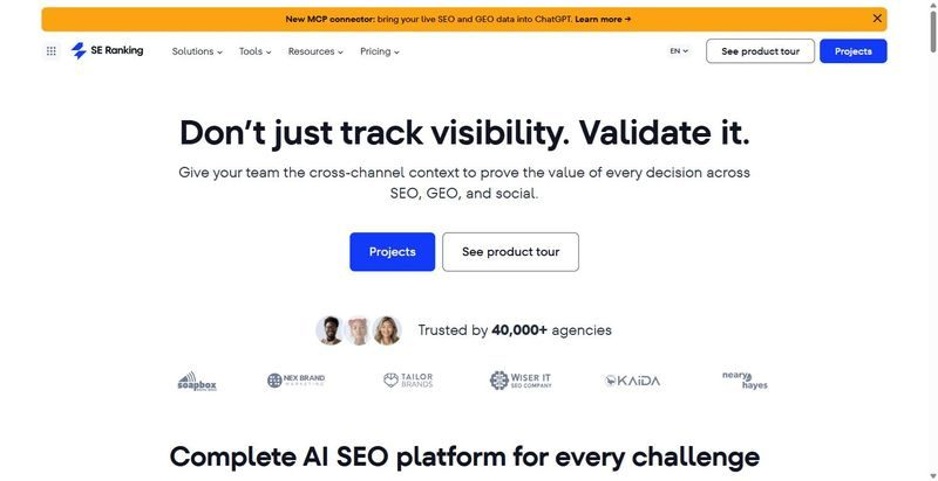
SE Ranking treats keyword research as the start of a pipeline, not a report to screenshot, and pushes the data into tracking and content work.
Best for: mid-market in-house SEO teams and agencies consolidating keyword research, rank tracking and site audit in one platform, with API and MCP in every plan.
Standout feature: SE Ranking’s Keyword Research runs on a 5.5 billion keyword database across 188 country databases, tags every keyword by intent at ingest, and vets up to 100 keywords in one bulk pass. That data ships out through an API and MCP included on every plan, wired into n8n, Make and Zapier, with a handoff into Content Editor.
Pros:
- Pulls volume, keyword difficulty, CPC and intent for a term in a single call, no stitching together separate lookups
- API and MCP access ship on every plan tier, so there is no separate automation SKU to negotiate
- Vets up to 100 keywords in one bulk pass, useful for clearing a backlog fast
- Sends selected keywords straight into Content Editor without retyping them
Cons:
- Keyword data is limited to Google: no Bing, Yahoo or Amazon coverage
- Historical keyword data is limited by plan: Core gets 6 months of history
- Data API rate cap sits at 10 requests per second by default; a higher limit needs a call with their team
Pricing: Core $129/mo ($103.20/mo billed annually); Growth $279/mo ($223.20/mo billed annually). API and MCP are included in every plan.
Bottom line: I’d build the keyword research layer on SE Ranking when the goal is data that leaves the dashboard: the API and MCP save real integration hours across a stack. One limit to know going in: coverage stops at Google, so if Amazon or Bing volume matters to your team, plan for a second source alongside it.
2. Ahrefs
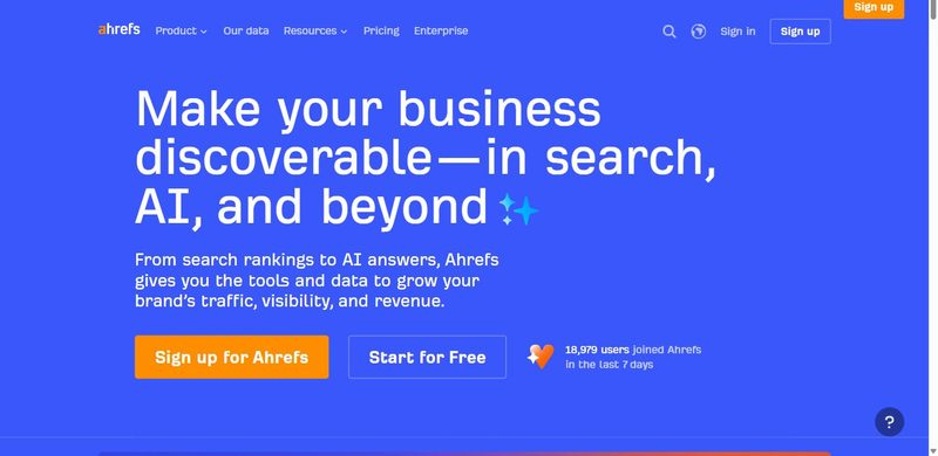
Ahrefs pairs a large clickstream-backed keyword index with mature backlink data, giving research and link teams one place to work.
Best for: teams that want deep keyword and backlink discovery in one place.
Standout feature: the keyword index draws on clickstream data at real scale, and Keywords Explorer digs into it with parent-topic clustering and durable SERP history. The catch in automation terms: the API sits on higher tiers with its own credit budget, so a pipeline costs more than opening the dashboard.
Pros:
- Broad, clickstream-backed keyword database
- Strong parent-topic clustering
- Solid SERP and position history
Cons:
- API gated to pricier tiers
- Exports capped on the entry plan
- No MCP-native access
Pricing: Lite $129/mo; Standard $249/mo (verify current tiers).
Bottom line: the keyword depth is real, and if you only need the dashboard for research, Ahrefs earns its spot. Price the automation before you commit, though. Once you’re pulling data into a pipeline instead of clicking through the UI, the credit budget adds up fast.
3. Semrush
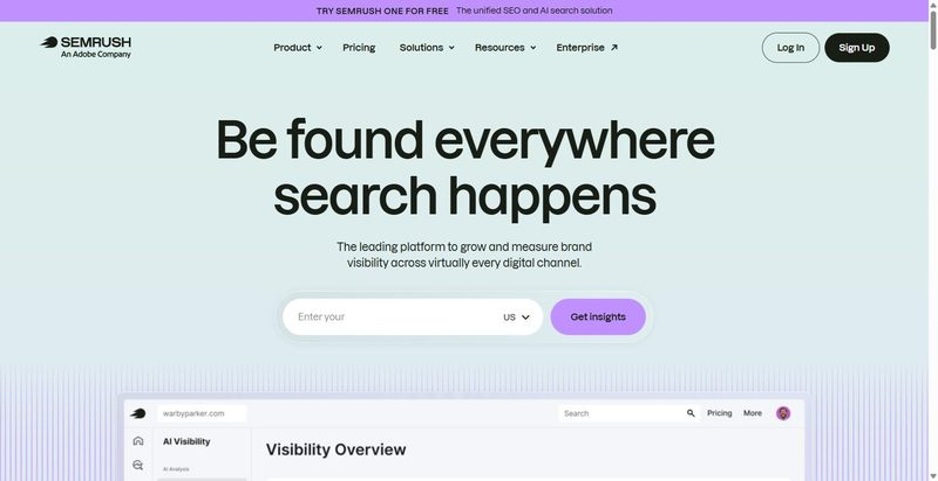
A broad SEO suite with a very large keyword index, best suited to teams already standardized on it rather than those shopping fresh.
Best for: teams already standardized on Semrush who want Keyword Magic breadth.
Standout feature: the keyword database is one of the largest on the market, and Keyword Magic Tool clusters terms by topic and flags intent automatically. The catch for automation: the API is a paid add-on outside the plan, so pulling Semrush data into a pipeline means a second invoice, not something bundled in.
Pros:
- Very large keyword database across markets
- Intent and clustering built into Keyword Magic
- Wide toolset beyond keyword research
Cons:
- API is billed separately from the plan
- Price climbs quickly across higher tiers
- Automation is not included by default
Pricing: from $139/mo (plans restructured in 2026; verify current tiers).
Bottom line: fine if your team already lives inside Semrush and just needs the keyword layer. If you are evaluating it for a keyword pipeline, price out the API add-on separately before you compare it on sticker price alone.
4. Moz Pro
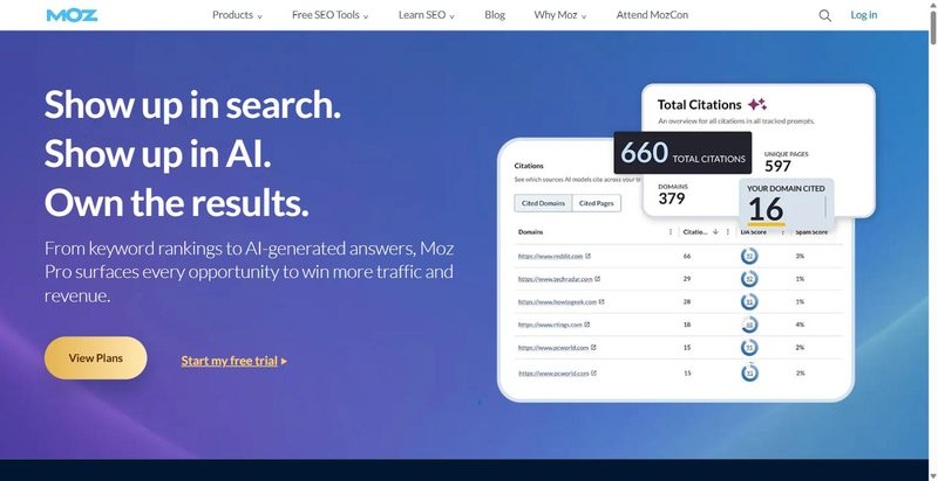
A leaner keyword research tool built around one clear prioritization metric, aimed at teams who want a fast decision signal without adopting a full platform.
Best for: a leaner team that wants one clear prioritization metric, not a sprawling suite.
Standout feature: Keyword Explorer pairs volume, difficulty and CTR into a single Priority Score, so a long keyword list turns into a ranked shortlist in one pass, useful when triaging fast under a deadline. The index runs smaller than the two market leaders, and the Links API is a separate product.
Pros:
- Priority Score gives one clear triage number
- Clean SERP analysis
- Approachable data model
Cons:
- Smaller keyword index
- Automation options are limited
- Scale needs add-ons
Pricing: Standard $99/mo ($79/mo billed annually); Starter $49/mo.
Bottom line: a good call when the job is a fast prioritization signal on a keyword list and not another platform to maintain. If the requirement is market-wide keyword depth or heavy automation, this is not the widest net on this list.
5. Serpstat
Serpstat bundles keyword research, rank tracking, site audit and clustering into one lower-priced tier, aimed at teams that would otherwise stitch together separate tools.
Best for: teams that want research, rank tracking, audit and clustering bundled in one lower tier.
Standout feature: Serpstat bundles keyword research, clustering and an API into a single plan, so a small team gets breadth without buying three products. The trade is depth: its keyword data does not go as deep as the leaders on any one discipline, so heavy research may hit limits.
Pros:
- Keyword clustering built in
- API included on plans
- Broad bundle for the price
Cons:
- Data depth trails the leaders
- UI feels dated in places
- Confirm current pricing before you commit
Pricing: from around $69/mo (verify live pricing).
Bottom line: a sensible pick when coverage across tasks matters more than depth in any one discipline. Trial it against your real list sizes, and confirm the API call limits fit your pull volume before you build automation on top of it.
6. SpyFu
SpyFu specializes in competitor keyword research and paid search history, letting you see what a rival has bid on and ranked for over time.
Best for: competitor keyword research and pulling a rival’s paid and organic history.
Standout feature: SpyFu’s edge is historical competitor data: the keywords a domain has bid on and ranked for across years, not a single snapshot. That suits competitor keyword research when you are unpacking a rival’s strategy or spotting keywords they dropped, rather than sizing a fresh market.
Pros:
- Deep competitor keyword and PPC history spanning years
- Low entry price for the feature set
- Bulk domain pulls for agency-scale competitor lists
Cons:
- Leans PPC over organic keyword depth
- Organic index is thinner than the category leaders
- API access only on higher tiers
Pricing: Basic $39/mo ($33/mo billed annually); Professional $79/mo.
Bottom line: keep it as the competitor-intel tool, not the primary research database. Feed it a rival’s domain and it surfaces years of paid and organic keyword moves. Pair it with a broader platform for volume and intent.
7. DataForSEO
Raw keyword and SERP data delivered via API, priced per request, built for teams assembling their own pipeline rather than logging into a dashboard.
Best for: teams building their own keyword research pipeline, with no dashboard involved.
Standout feature: DataForSEO sells the data, not an interface: Keywords, SERP and Labs endpoints on pay-as-you-go credits, no seat, no report builder. It is the buy-the-data, build-the-interface option. The honest build cost: you own the reporting and the maintenance, and that only pays off past a certain query volume.
Pros:
- Flat per-request pricing
- Credits do not expire
- Broad endpoint coverage
Cons:
- No UI: engineering hours required
- You build and maintain the reporting
- Support is developer-grade, not hand-holding
Pricing: pay-as-you-go, from a $50 minimum deposit.
Bottom line: worth it when your requirements are unusual, your volume is high, and you have engineering hours to spend. If your needs match the standard 80 percent, buy a tool with the interface already built and skip the maintenance bill.
8. Google Search Console
Not a keyword tool by design, but the free first-party source of the exact queries your own site already ranks for.
Best for: mining your own site’s real query data, free.
Standout feature: Search Console reports the actual queries, impressions, clicks and average position for properties you own, and its Search Analytics API pulls that into a pipeline on a schedule. It is not an ideation database: no competitor visibility, no whole-market volume, and a 16-month trailing window.
Pros:
- Real impressions, clicks and position for queries you already rank for
- Free for any verified property
- Search Analytics API supports scripted, recurring pulls
Cons:
- Covers only properties you have verified
- No market-wide or competitor search volume
- Trailing 16-month history limit
Pricing: Free.
Bottom line: it will not replace a research database, since it only shows what you already rank for. Wire the Search Analytics API into your keyword pipeline anyway: matching real impressions against a tool’s estimated volume catches gaps no estimate alone will show.
The Build-Vs-Buy Verdict: What I’d Wire In, What I’d Skip
For most mid-market teams, SE Ranking is the research-plus-automation core: the API and MCP ship on every plan, so volume, difficulty and SERP data pull straight into whatever pipeline you already run, with no separate integration tier to negotiate. Pair it with Google Search Console for the free, first-party query layer, and you cover discovery and validation without stitching together three vendor contracts. That combination is why it lands near the top of most lists of the best keyword research tools built for teams that automate rather than click through dashboards, and it is one of the more workable keyword research tools for seo teams that want API access included rather than gated behind an enterprise tier.
Skip DataForSEO unless you have engineering hours budgeted to build and maintain the interface yourself. Skip wiring Semrush into an automated pipeline if you are not prepared to carry a separate automation bill alongside the seat cost.
My rule stays simple: buy the standard 80 percent, build only the unusual 20. Start with one bulk pull of your top 100 terms with an intent filter and see what your current process was missing.
FAQ
Can you automate keyword research end to end?
Not the judgment call, but the repeatable work, yes. Pulling volume and intent, vetting a long list down to targets, refreshing a brief when rankings shift: that is scriptable through an API or MCP connection. Deciding which terms are worth targeting stays human. A tool that ships the API or MCP access included costs less to automate than one that sells it as an add-on.
What breaks when you pull keyword data on a schedule?
Rate limits and credit budgets first: a scheduled job that fans out too many requests burns a month’s allotment in a week. Schema drift is the quieter failure, an endpoint renames a field and your pipeline writes silent zeroes instead of erroring. Set a hard credit ceiling on the API side, and add a sanity check that flags a column suddenly reading all zero.
Can one keyword tool cover both SEO and PPC research?
Yes, for sizing. The broader platforms return CPC and competition alongside volume, difficulty and intent, so one pull gives a rough read on both paid and organic opportunity for a term. If the job is reverse-engineering a competitor’s bid history and ad rotation, a dedicated PPC-intelligence tool goes deeper than a keyword platform’s CPC column will.
How do you keep keyword research consistent across a team?
Pick one source for volume and intent, agree a difficulty threshold in writing, and template the query so every analyst runs the identical pull: same location, same device, same date range. Letting each person eyeball a different dashboard produces different numbers for the same term. An API pull or a shared export removes that variance, because the query decides the output, not the analyst.